How to Remove Users from SIP2Surf WiFi

How to Remove Users from SIP2Surf WiFi
To remove users from your SIP2Surf. Connect to the interface through your web browser.
https://sip2surf.interleaf.ie:8443/admin
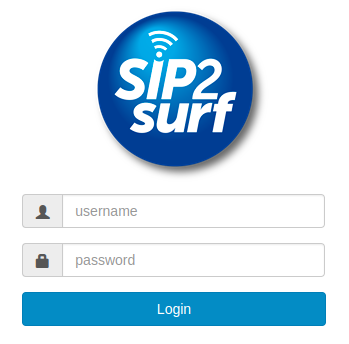
From here enter the username and password you were given during installation.
You will now be logged in and have an “Status > Authenticated users” option at the top of the screen.
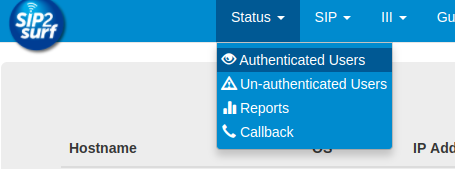
Choose this option to bring you to the Authenticated users page.
This page will display a list of all the users currently connected AND authenticated with the SIP2Surf WiFi and some specific details about that user/device.
User ID you should be able to find the user you want to remove from the WiFi. Then to remove them, just click on the devices “Hostname” and that user will be dropped from the WiFi.