How to Run Reports on SIP2Surf WiFi

How to Run Reports on SIP2Surf WiFi
To run reports on your SIP2Surf. Connect to the interface through your web browser.
https://sip2surf.interleaf.ie:8443/admin
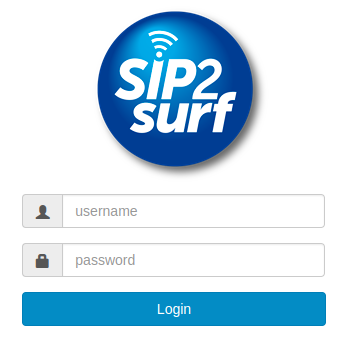
From here enter the username and password you were given during installation.
You will now be logged in and have an “Status > Reports” option at the top of the screen.
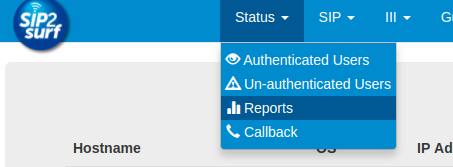
Choose this option to bring you to the Reports page.
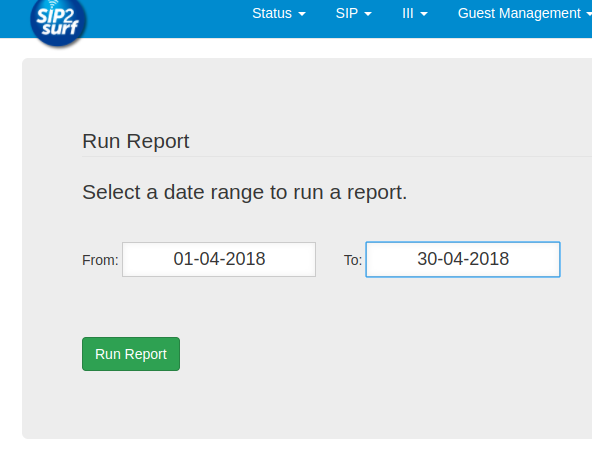
From here, you can enter a date range of your choosing and then select “Run Report”. This will generate a report on screen for you with details about
Total Sessions
Average Duration of sessions
A list of the devices that connected and when they connected.